Price alerts
A notification when a metal moves through your price.
How price alerts workGold and silver price widgets for iPhone, iPad and Android: put spot prices or the gold/silver ratio on your Home Screen and iPhone Lock Screen, and your own Vault on the Home Screen. Free, with no account needed.
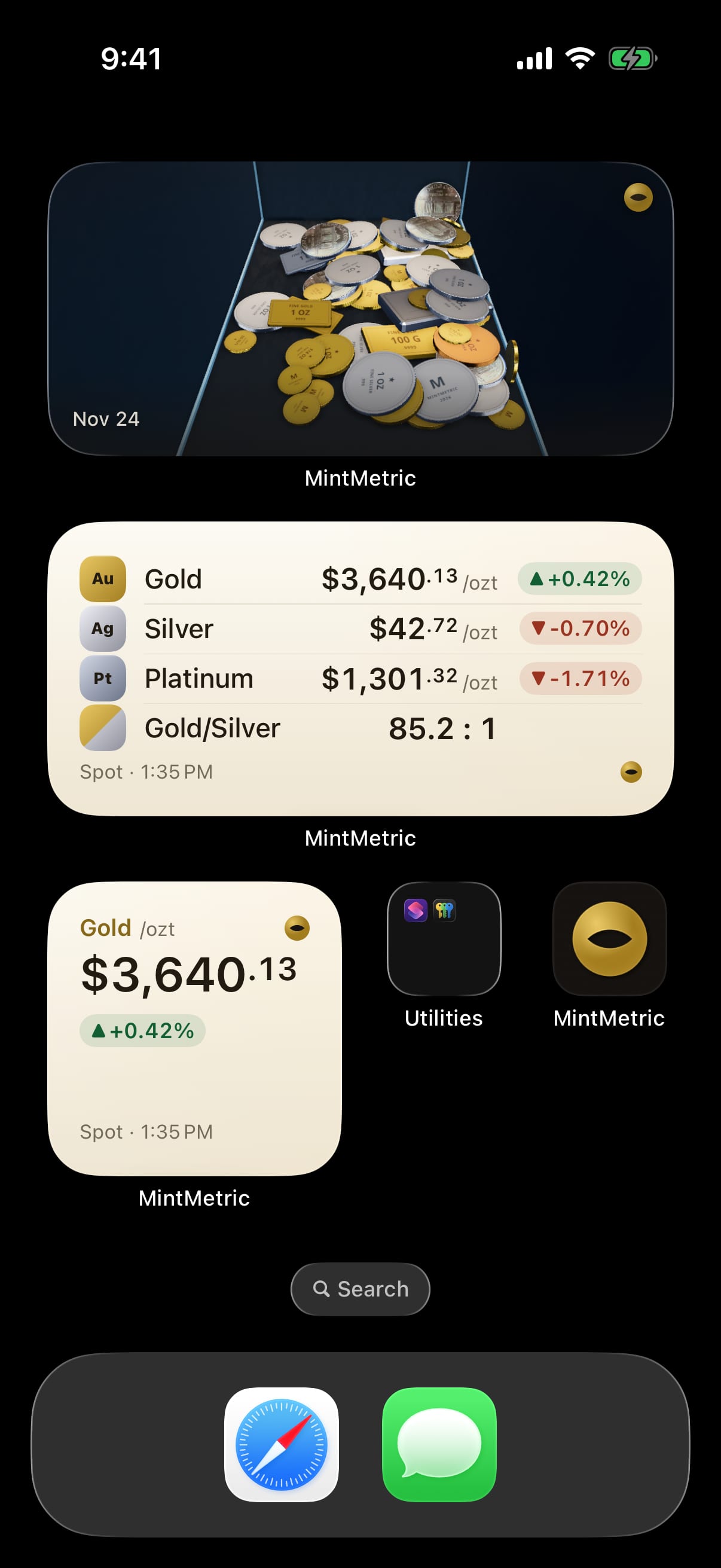
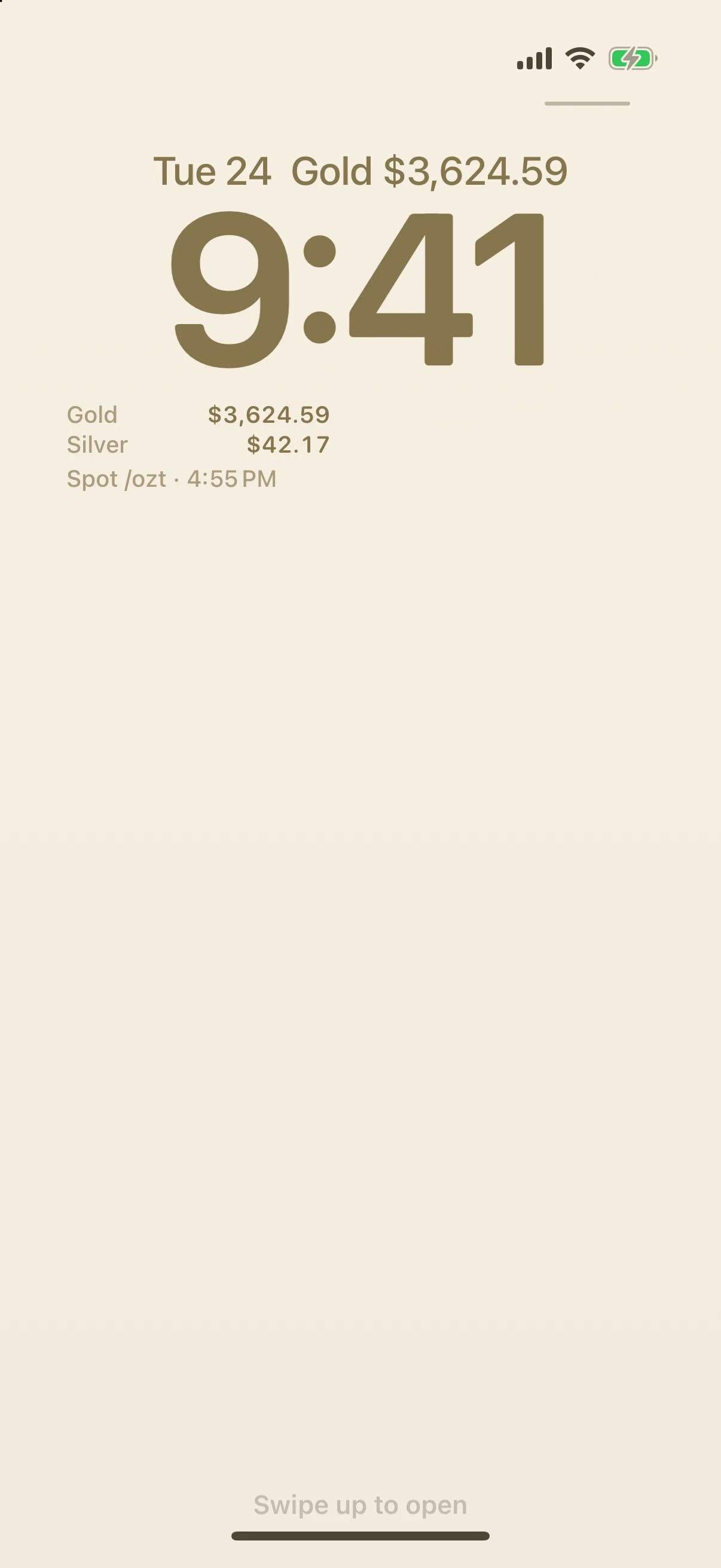
Spot Prices on the Home Screen and the iPhone Lock Screen (iOS 17 or later).
Choose what each widget shows: gold, silver, platinum, palladium or the gold/silver ratio, which is how many ounces of silver one ounce of gold buys. The ratio is on the Dashboard too. Show prices in your MintMetric currency or a fixed one, per troy ounce or per gram. Copper isn't available in widgets; copper prices are in the app.
Widgets refresh roughly every 30 minutes, and your phone may delay a refresh. Quotes can be delayed; open MintMetric to see when prices were fetched.
iPhone and iPad. Small and medium Home Screen widgets. On iOS 17 or later you can choose what each one shows; on iOS 15 and 16 they use a fixed layout.
iPhone Lock Screen. Rectangular and inline widgets, on iOS 17 or later.
Android. Home Screen widgets from 2×2 to 4×2. Android widgets are for the Home Screen; there is no lock-screen widget.
Put a picture of your own Vault on your Home Screen: your coins and bars, as the Vault shows them. It's a still picture that MintMetric updates. The widget is off until you turn on “Show my Vault on home-screen widgets” in Settings, and it pauses while Hide Values or App Lock is on. It comes in medium and large on iPhone and iPad, and from 4×2 to 4×4 on Android. It's never available on a lock screen.
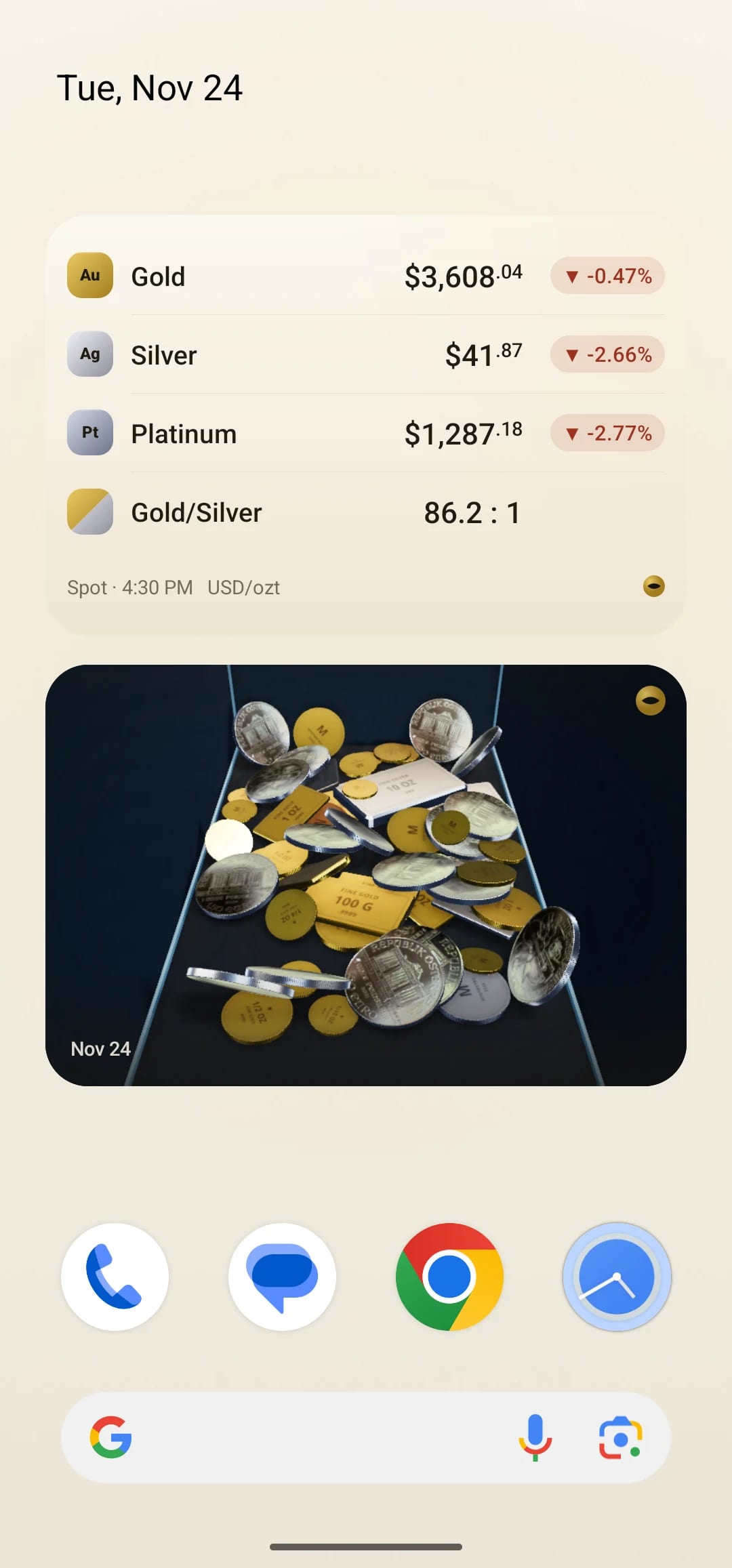
Spot Prices and Your Vault on an Android Home Screen.
Touch and hold an empty area, tap Edit, then Add Widget (or +).
Search for MintMetric, pick a size and tap Add Widget. For the Lock Screen (iOS 17 or later), touch and hold the Lock Screen, tap Customize, choose the Lock Screen, tap the widget area and pick MintMetric.
On iOS 17 or later, touch and hold a Spot Prices widget and tap Edit Widget to change its metal, currency or unit.
Touch and hold an empty area of your Home Screen, then tap Widgets.
Scroll to MintMetric and pick a widget.
Drop it on your Home Screen.
Widgets are part of MintMetric Free. They work without an account, alongside the rest of the free app: the 3D Vault, up to 20 active purchase lots and spot prices for all five metals.
Free: every widget, no account needed.
Yes, free: Spot Prices for the Home Screen and the Lock Screen on iOS 17 or later, and Your Vault for the Home Screen. Spot Prices shows gold, silver, platinum, palladium or the gold/silver ratio, and refreshes roughly every 30 minutes.
More: Widgets
Spot prices are fetched from our price feed about every 5 minutes; the app checks for new prices about every 15 minutes, and widgets refresh roughly every 30 minutes. Quotes can be delayed, and the dashboard shows when they were fetched. Prices come from a commercial market-data provider; the Privacy Policy lists the services MintMetric uses.
MintMetric shows values in any of 156 currencies, including USD, EUR, GBP, CAD, AUD, CHF, JPY, HKD, NZD, INR and CNY. Each purchase can be recorded in the currency you paid, and Spot History converts at each day's exchange rate where available. The web melt calculator is in USD.
Free has no time limit. No account needed to start.


Available in selected countries.
iPhone and iPad (iOS 15 or later) · Android 7.0 or later