Widgets
Spot prices on your Home Screen and iPhone Lock Screen.
Spot price and Vault widgetsGet a notification when gold, silver, platinum, palladium or copper moves through a price you set, in your currency. Price alerts are part of MintMetric Pro, with up to 100 active alerts.
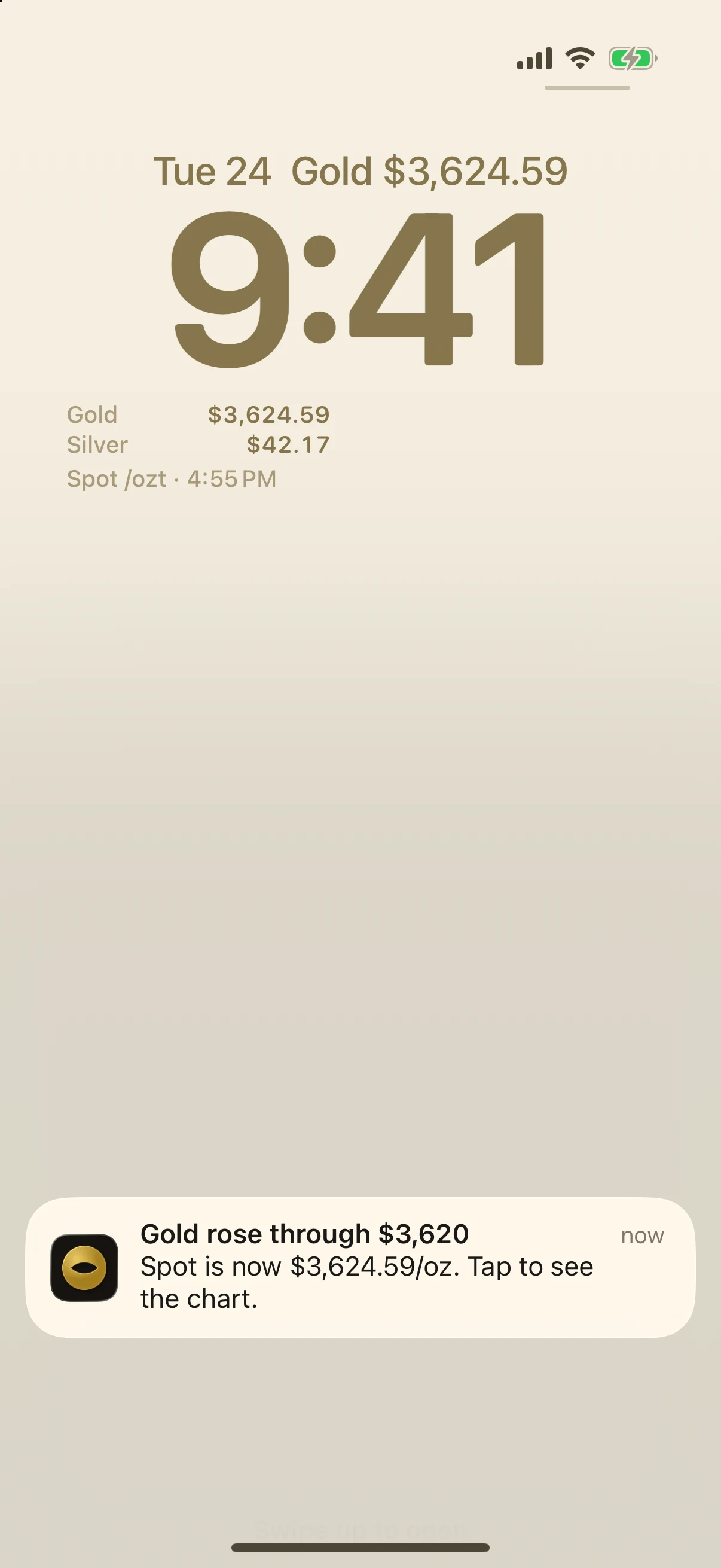
A real price alert on the iPhone Lock Screen.
On the Dashboard, tap the bell.
Tap New price alert, choose the metal and set the price.
Repeat notifies you each time, at most once a day. Allow notifications when asked.
Set a price above or below today's and MintMetric watches it for you. When the metal moves through your price, you get a notification on your iPhone, iPad or Android device. Prices are checked about every 5 minutes, so alerts are not instant. Quotes can be delayed. Alerts suit price levels you care about, not split-second trading.
Choose Once for a single notification, or Repeat to be notified each time the price moves through, at most once a day. Your alerts also appear as lines on that metal's Spot History chart, so you can see how close the price is. You can have up to 100 active alerts across all five metals, in the currency you show in MintMetric, from any of 156 currencies.
You decide what an alert says on your Lock Screen. With Show prices in notifications on, a notification names the metal and price. With it off, notifications just say “Price alert”. While Hide Values is on, notifications always just say “Price alert”, whatever the setting.
Alerts tell you when a price moves; the free Spot Prices widget keeps the price in view. Put gold, silver, platinum, palladium or the gold/silver ratio on your Home Screen, or on your iPhone Lock Screen with iOS 17 or later.
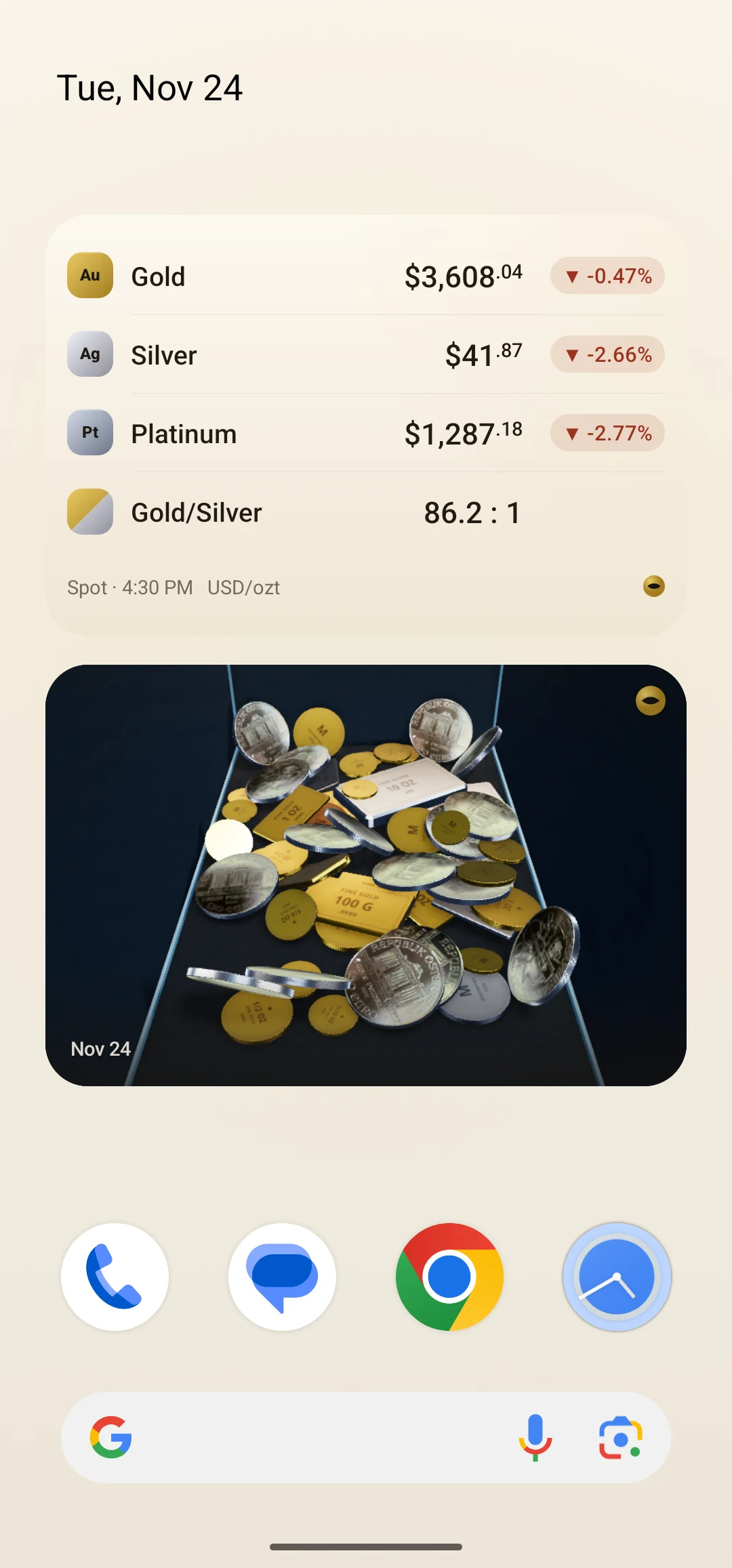
The Spot Prices widget on Android.
Yes. Pro sends a notification when gold, silver, platinum, palladium or copper crosses a price you set, with up to 100 active alerts. Prices are checked about every 5 minutes, so alerts are not instant. Alerts need an account and notification permission.
More: Price alerts
Spot prices are fetched from our price feed about every 5 minutes; the app checks for new prices about every 15 minutes, and widgets refresh roughly every 30 minutes. Quotes can be delayed, and the dashboard shows when they were fetched. Prices come from a commercial market-data provider; the Privacy Policy lists the services MintMetric uses.
Yes, free: Spot Prices for the Home Screen and the Lock Screen on iOS 17 or later, and Your Vault for the Home Screen. Spot Prices shows gold, silver, platinum, palladium or the gold/silver ratio, and refreshes roughly every 30 minutes.
More: Widgets
No. Holdings, the Vault, prices, export, share images and widgets work without one. You need an account to subscribe, for sync, cloud backup, share links, for-sale listings and price alerts. You sign in with email.
Free has no time limit. No account needed to start.


Available in selected countries.
iPhone and iPad (iOS 15 or later) · Android 7.0 or later