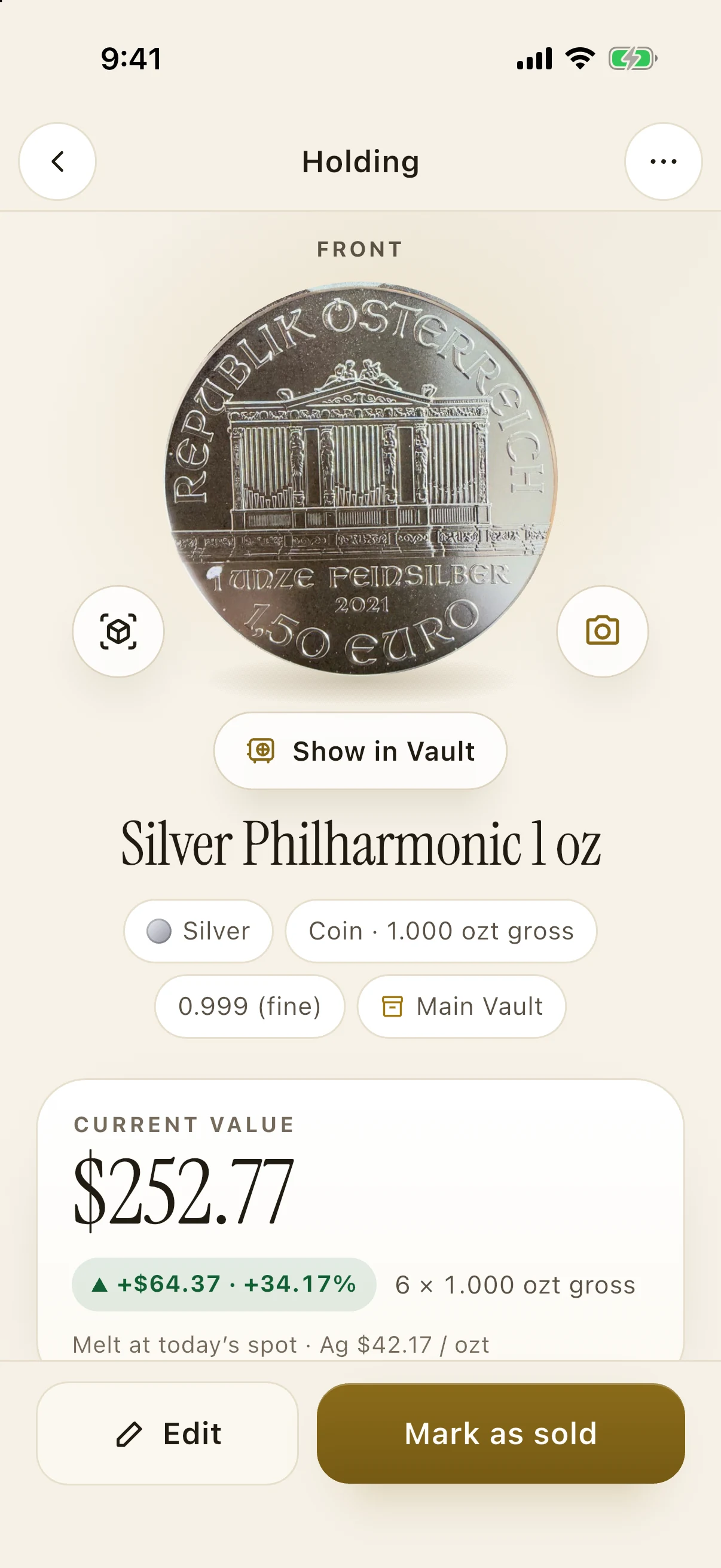
Free, more with Pro
Coin and bullion records
Weight, purity, cost and quantity for every lot, graded coins with certificate numbers, a 442-product catalogue, receipts and appraisals with Pro.
Records, documents and importMintMetric tracks your gold, silver, platinum, palladium and copper on iPhone, iPad and Android, values it at the latest spot price, and shows every piece in a 3D Vault. Here is everything it does, and what's in Free and Pro.
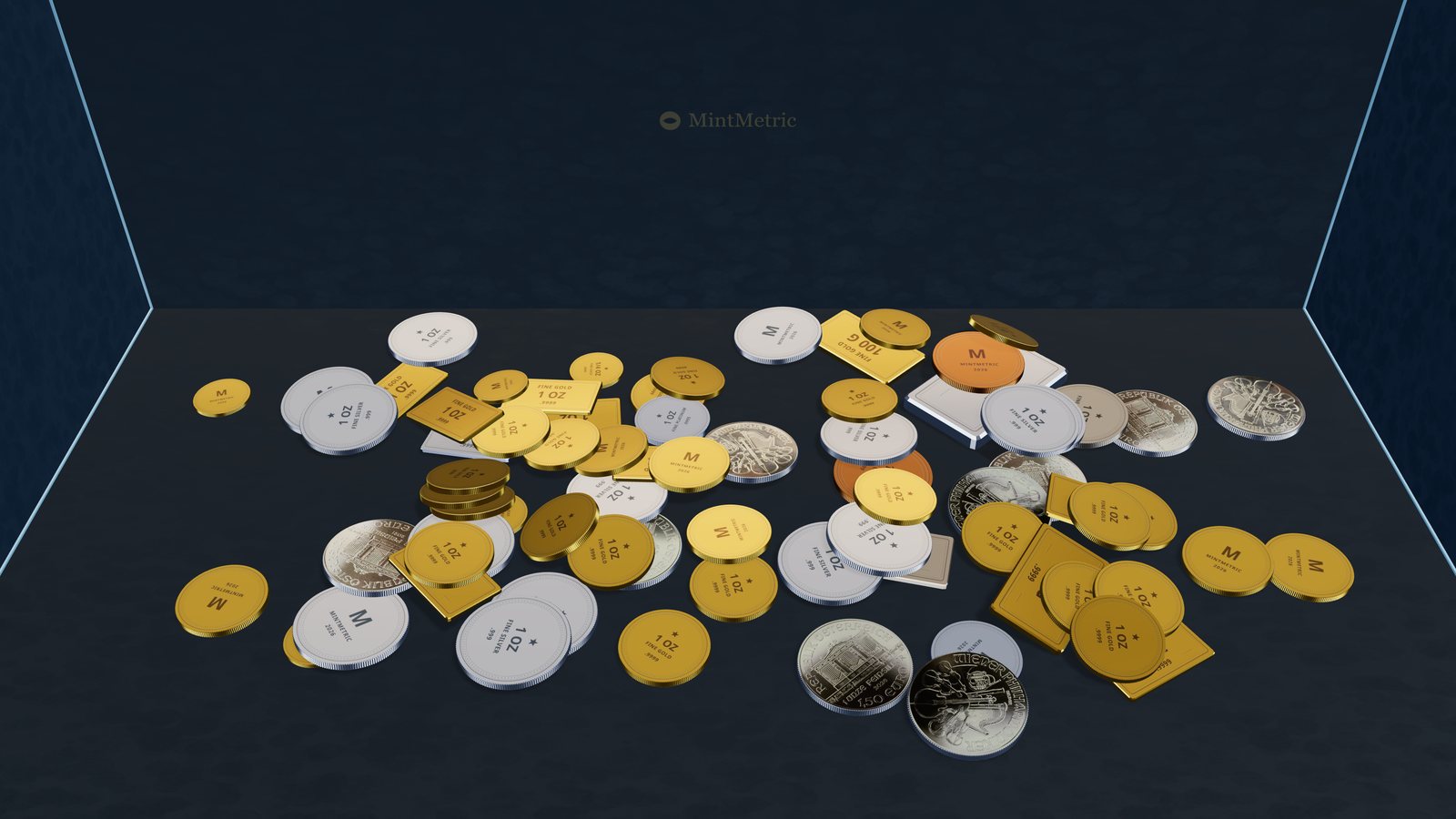
Every coin, bar and round drops into a 3D room, sized from its weight, metal and purity, with your own photo on its face. Free, with no account needed. Explore the 3D Vault
Weight, purity, cost and quantity for every lot, graded coins with certificate numbers, a 442-product catalogue, receipts and appraisals with Pro.
Records, documents and import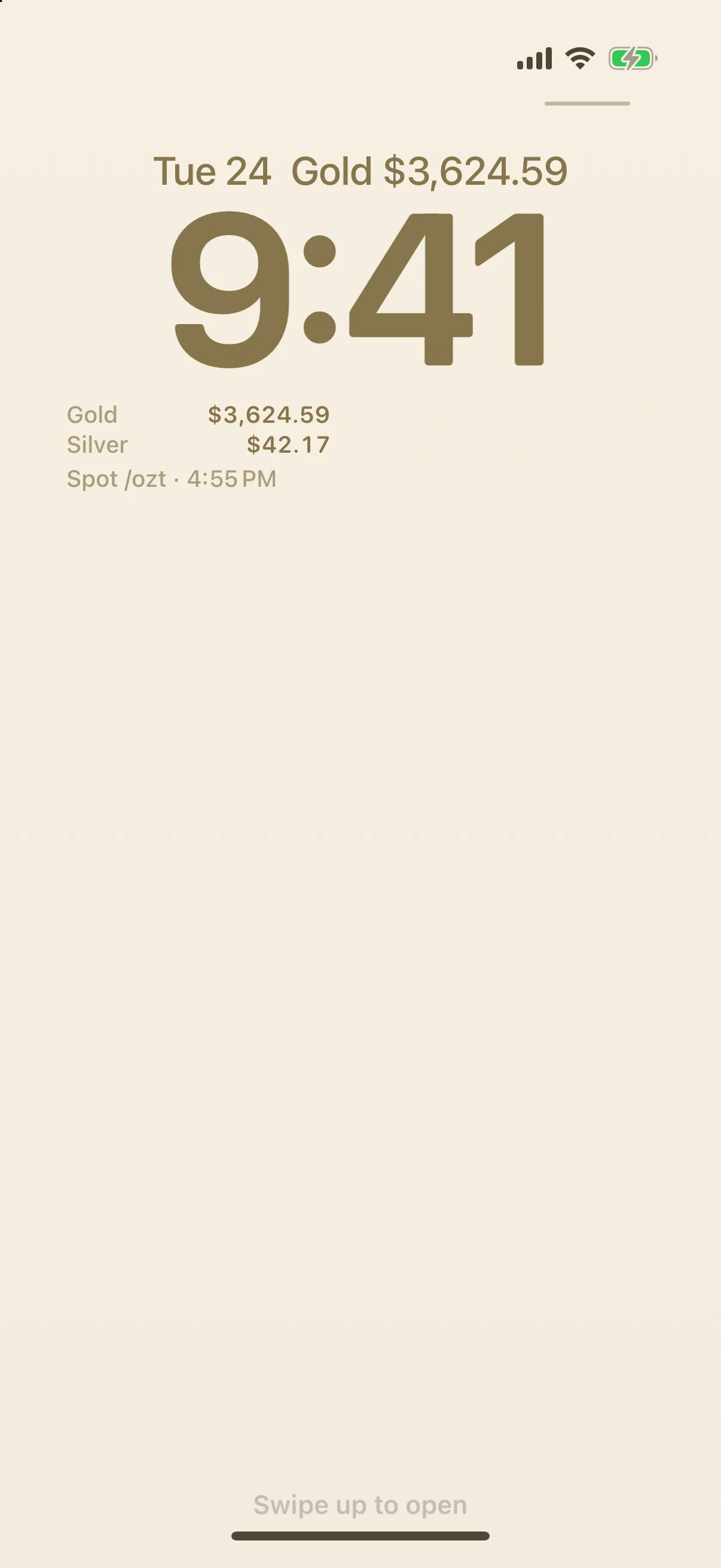
A notification when a metal moves through a price you set, up to 100 alerts.
How price alerts work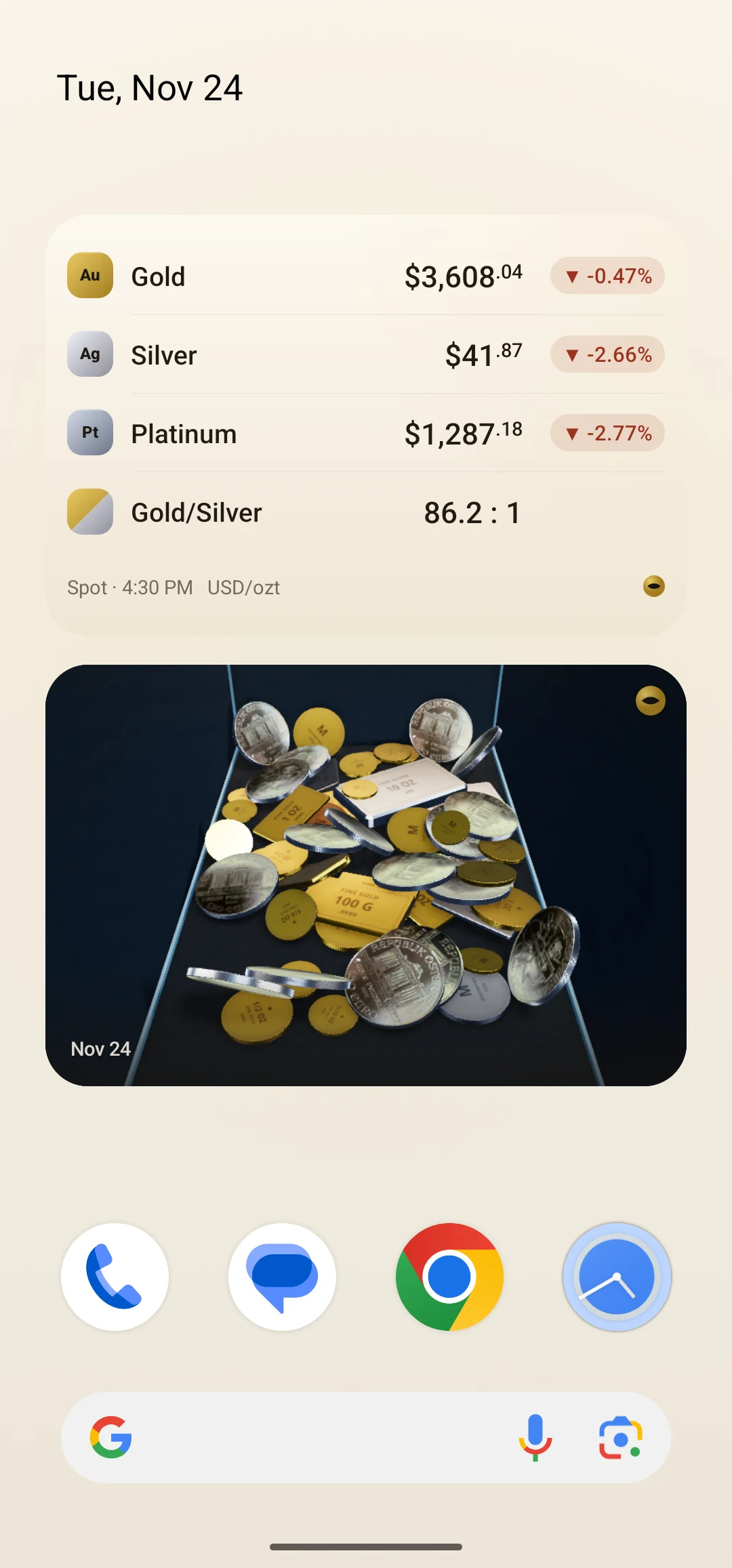
Spot prices or the gold/silver ratio on your Home Screen and iPhone Lock Screen, and your own Vault on the Home Screen.
Spot price and Vault widgets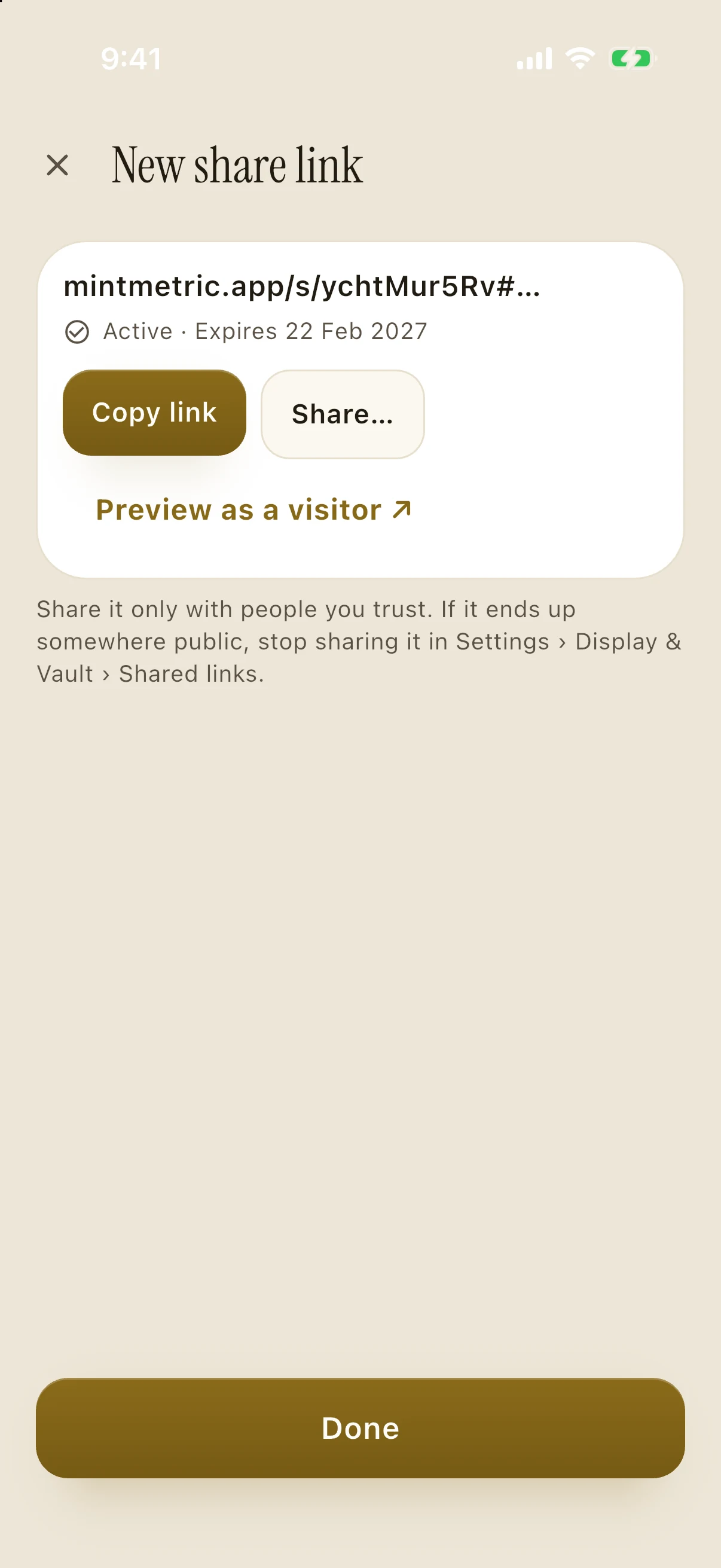
Your Vault or a single piece as an encrypted 3D web page that opens in any browser.
How share links work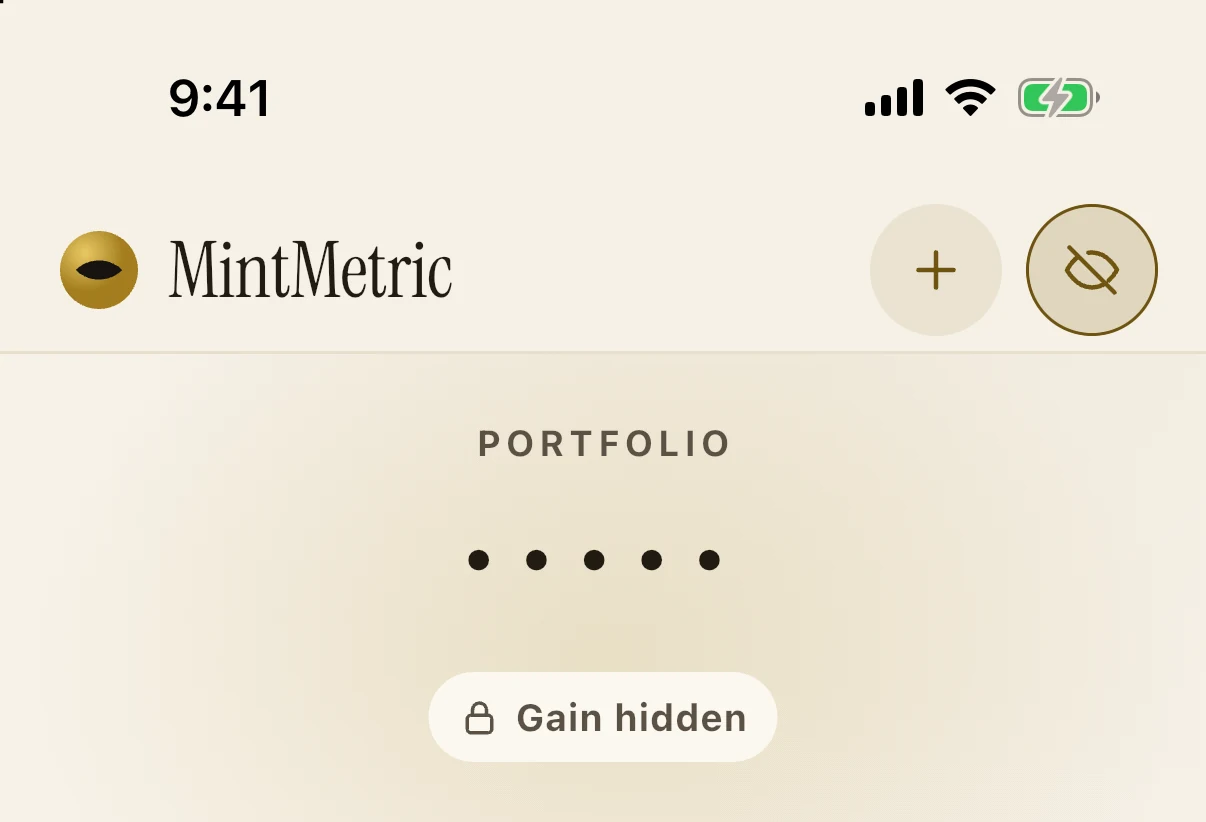
An encrypted database on your device, App Lock and Hide Values, and end-to-end encrypted sync and backups.
How MintMetric protects your dataFree: no time limit, up to 20 active purchase lots, 1 photo per holding, the full 3D Vault.
Pro: no app count limit on lots or photos (limited by your device's storage), encrypted sync and backup, Spot History up to 5 years (copper history starts August 2026), spreadsheet import and reports.
All five metals on the Dashboard, each with a short trend line; tap one for its history. Quotes can be delayed, and the dashboard shows when they were fetched.
Chart any metal in your currency, converted at each day's exchange rate where available: 1 week and 1 month free, up to 5 years with Pro (copper history starts August 2026), with your average cost per ounce on the chart.
What today's holdings would have been worth at earlier prices; not your past balance or return, and copper isn't included.
In the app, and free on the web, with junk-silver presets. Try the melt value calculator
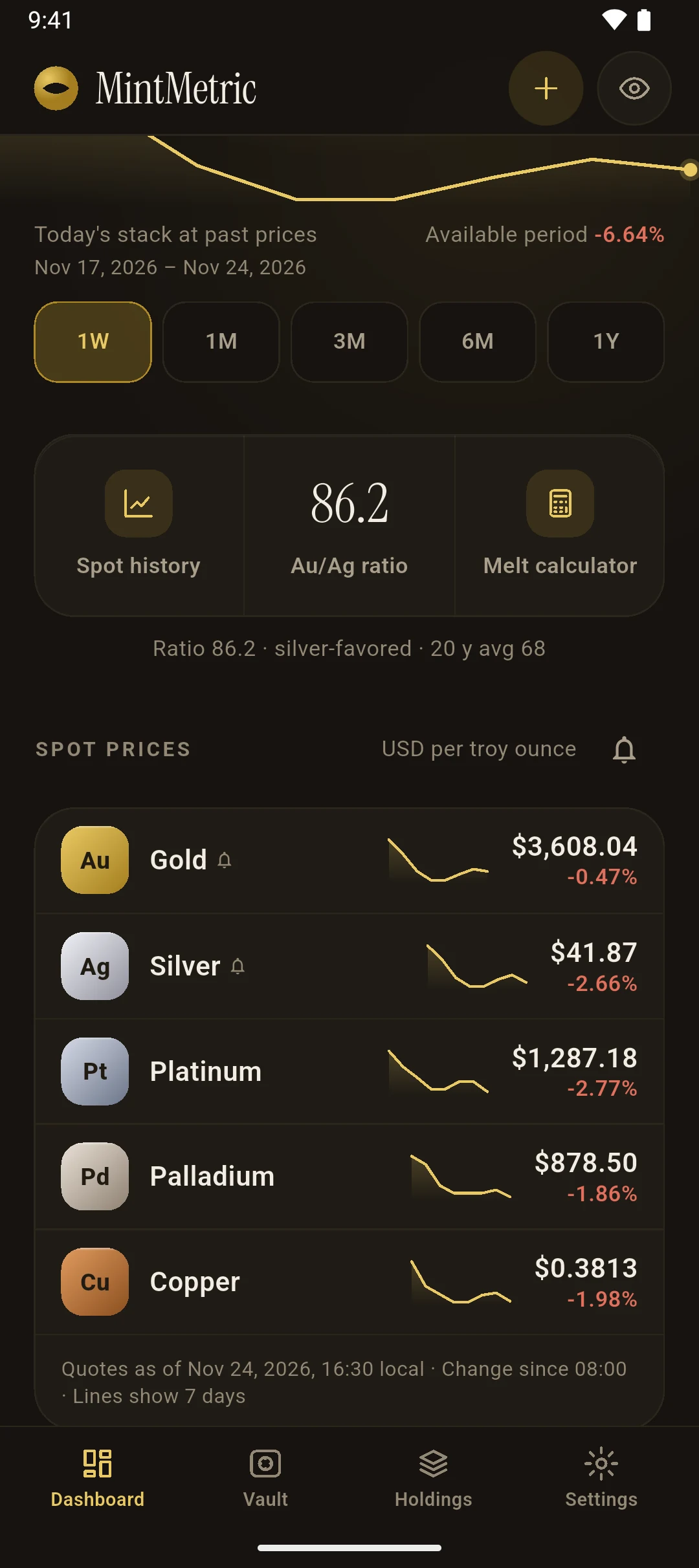
Dark (default)
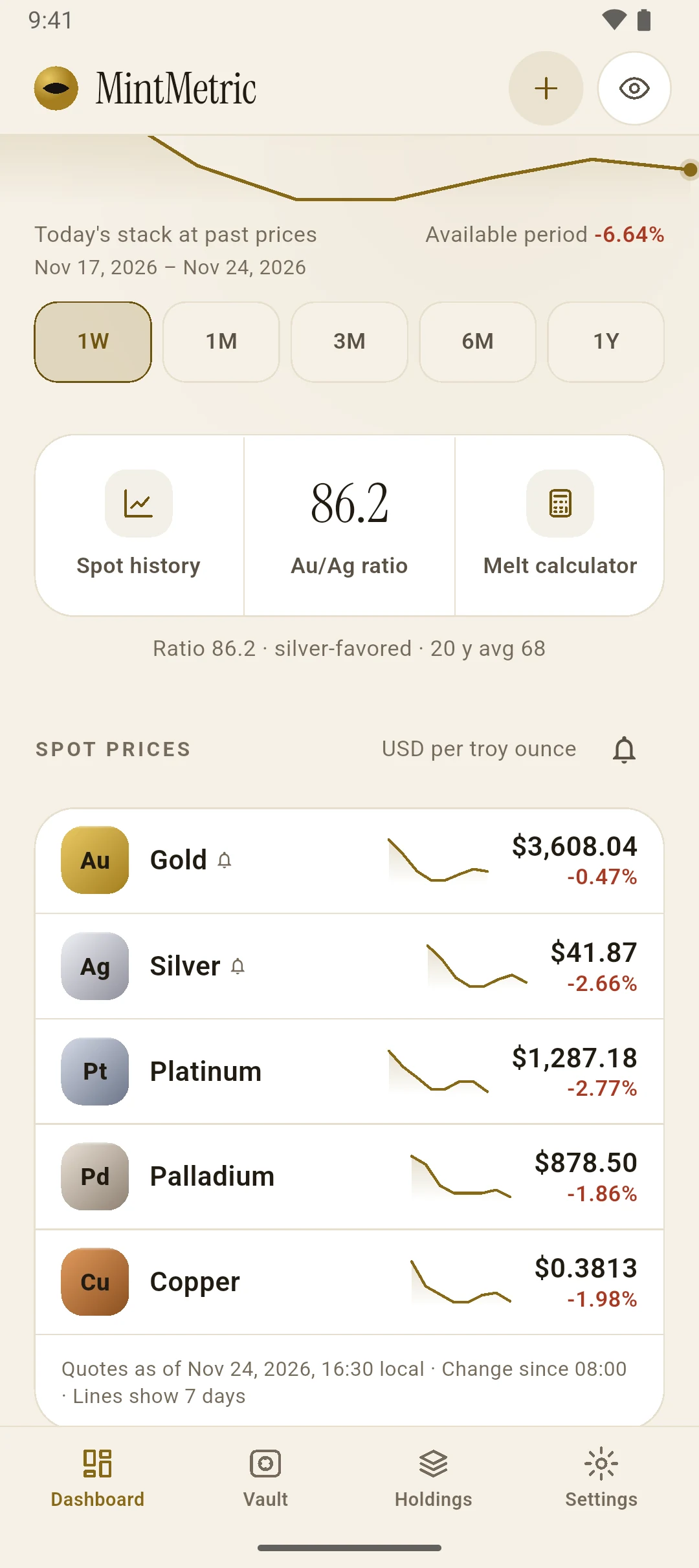
Light
MintMetric starts in dark. Switch to light in Settings › Display & Vault › Dark Mode.
Free has no time limit. No account needed to start.


Available in selected countries.
iPhone and iPad (iOS 15 or later) · Android 7.0 or later