MintMetric vs a spreadsheet
What each does well, and how to move your sheet across.
MintMetric vs a spreadsheetA bullion inventory app and coin collection tracker in one: record weight, purity, cost and quantity for every purchase lot, keep graded coins with their certificate numbers, and store receipts, certificates and appraisals with Pro. Everything is ready for your insurer, your family and your own spreadsheet.
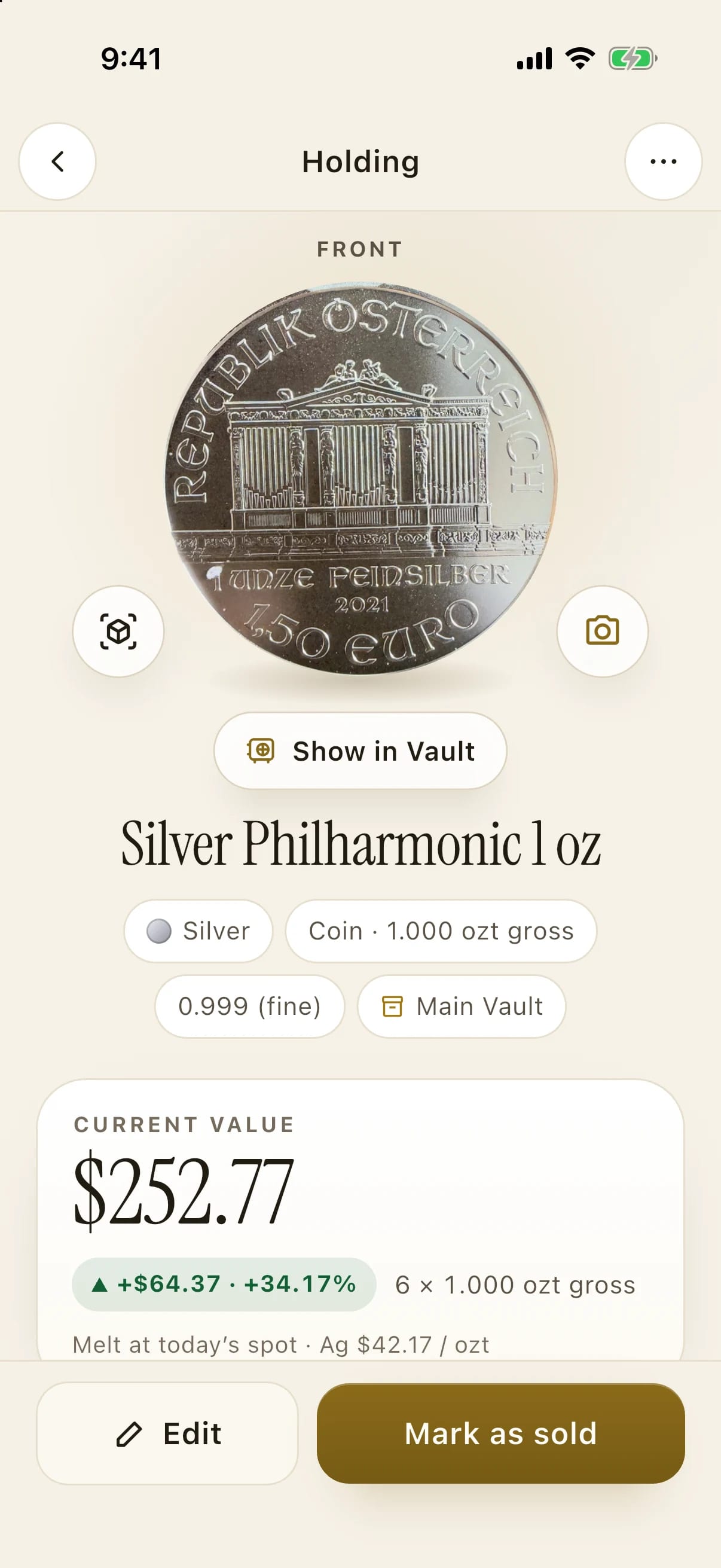
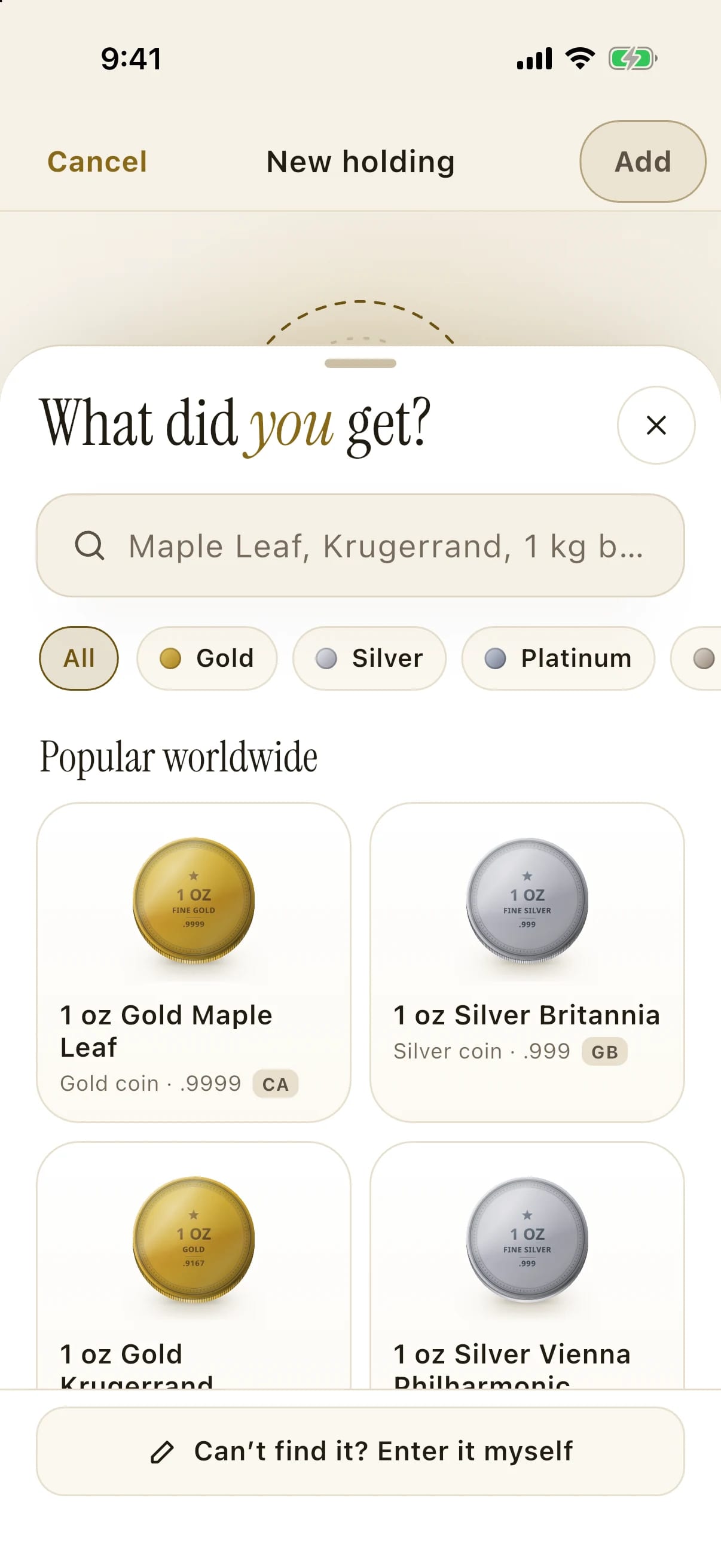
Pick from the catalogue or enter your own, with what you paid, in the currency you paid it in.
Photos, grade and certificate number, and receipts with Pro.
Export CSV, JSON or a ZIP archive free; import your spreadsheet (CSV or Excel) with Pro.
Each purchase is its own lot: buy the same coin twice and you get two lots, so your costs stay distinct. Record weight in troy ounces or grams, purity, quantity and what you paid, in the currency you paid it in. Add the mint, series, year, dealer, storage location and notes, and keep your sales history when you sell. MintMetric tracks gold, silver, platinum, palladium and copper, as coins, bars, rounds, shot or grain.
Free includes up to 20 active purchase lots; sold history and Undo don't count. Pro has no app count limit. Search, sort by any of 8 fields, and filter by storage location to find a piece fast.
Choose from 442 bullion coins and bars from 30 named mints and refiners, and the weight and purity fill in for you. Most come with a published specification and its source. For anything else, enter your own, at any purity, with one tap for .9999, .999, .9167 (22k), .925 (sterling) and .900. Values show in any of 156 currencies.
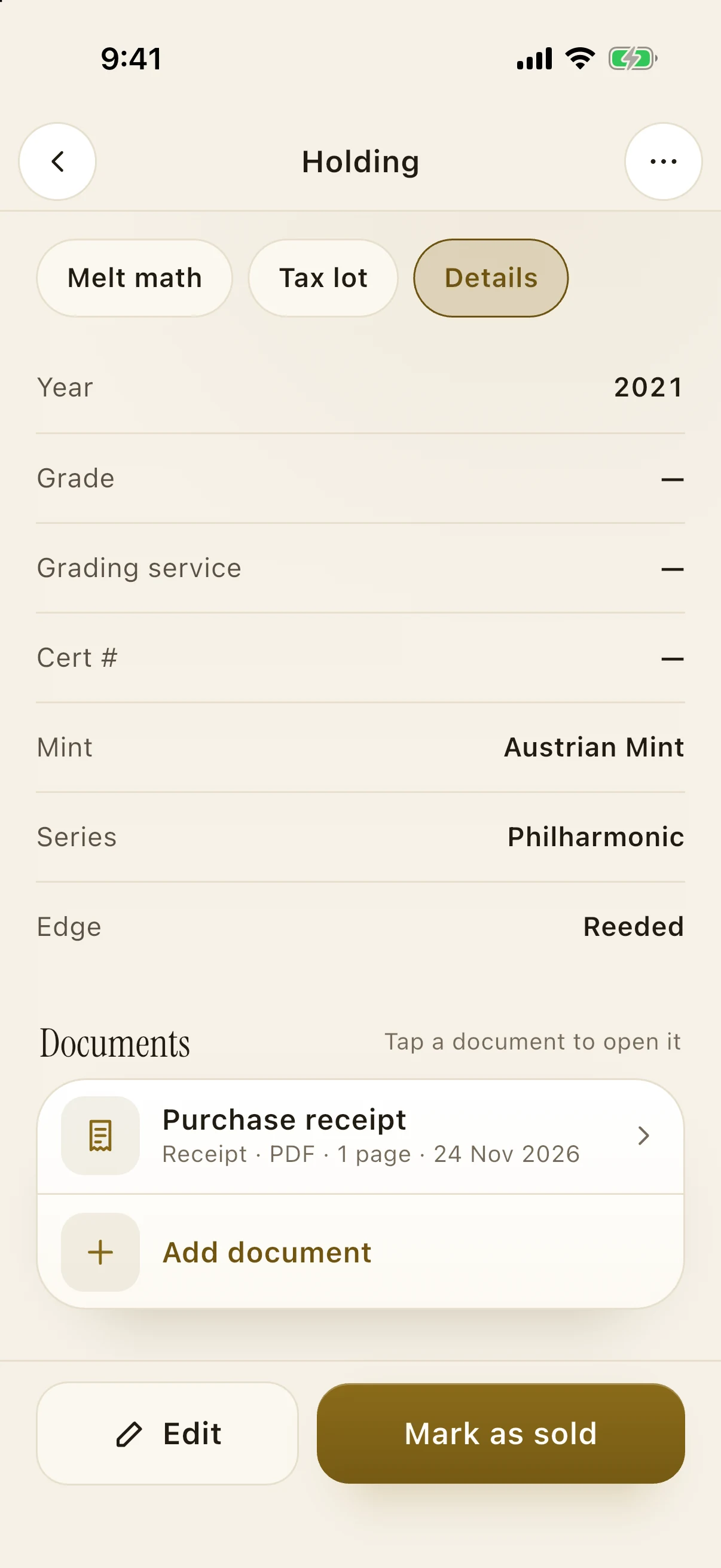
Keep the grade, grading service and certificate number with each graded coin, and open NGC's own certificate checker from the record; NGC performs the check. Opening it is free on every plan. MintMetric shows the coin's melt value next to what you paid; it doesn't appraise rarity or collector premiums.
NGC is a trademark of its owner; MintMetric is not affiliated with or endorsed by NGC.
Keep the paperwork with the piece. Scan a receipt, pick a file or take a photo, and file it as a Receipt, Certificate, Insurance & appraisal or Other. Each holding holds up to 20 documents, each up to 50 pages and 20 MB, in PDF, JPG, PNG or HEIC. Documents are encrypted and synced with the holding, and included in your archive.
Pro creates a detailed insurance and estate PDF of your collection, with photos and valuations, with your documents attached, grouped by vault. Hand it to your insurer, or keep it with your estate papers so your family knows what you hold.
Pro also estimates tax lots for USD holdings using US methods (FIFO, LIFO or HIFO). They are informational estimates, not tax advice.
Free: up to 20 active purchase lots and free export.
Pro: no app count limit, spreadsheet import (CSV or Excel), documents, insurance and estate PDF and tax-lot reports.
Yes. Each holding records grade, grading service, certificate number, your photo and its estimated melt value, and opens NGC's own certificate checker; NGC performs the check. NGC is a trademark of its owner; MintMetric is not affiliated with or endorsed by NGC.
Yes. With Pro, import your spreadsheet (CSV or Excel), up to 10,000 rows; photos aren't imported. You match each of your columns to a MintMetric field before anything is added.
Pro creates a detailed insurance and estate PDF of your collection, with photos and valuations, with your documents attached. It groups your pieces by vault, so you can hand one document to your insurer or keep it with your estate papers.
More: Records
Yes, on every plan: export CSV or JSON, or save a full ZIP archive of your holdings and photos to your own files, and restore it at any time. Turn on Include photos when you export; it starts off each time. A Free restore stays within Free limits (20 active lots, 1 photo per holding).
Free has no time limit. No account needed to start.


Available in selected countries.
iPhone and iPad (iOS 15 or later) · Android 7.0 or later